
Please be careful.
Always keep your eyes on the road. Use your device only when not driving, or use Siri to do the tasks for you. I am not responsible for any damages.
Download Shortcuts + App
Shortcuts are made for settings app Birgthess, volume, contrast,
make font larger, open apps like Music and Maps. You can change
it directly in Shortcuts app.
Shortcuts also setup a wallpaper based on photo in album called
CarPlay. I prefer Black wallpaper to my car, but also you can
add what you like.
Download Speedometer App
Shortcuts Dashboard Icons
Download Speedometer app first.
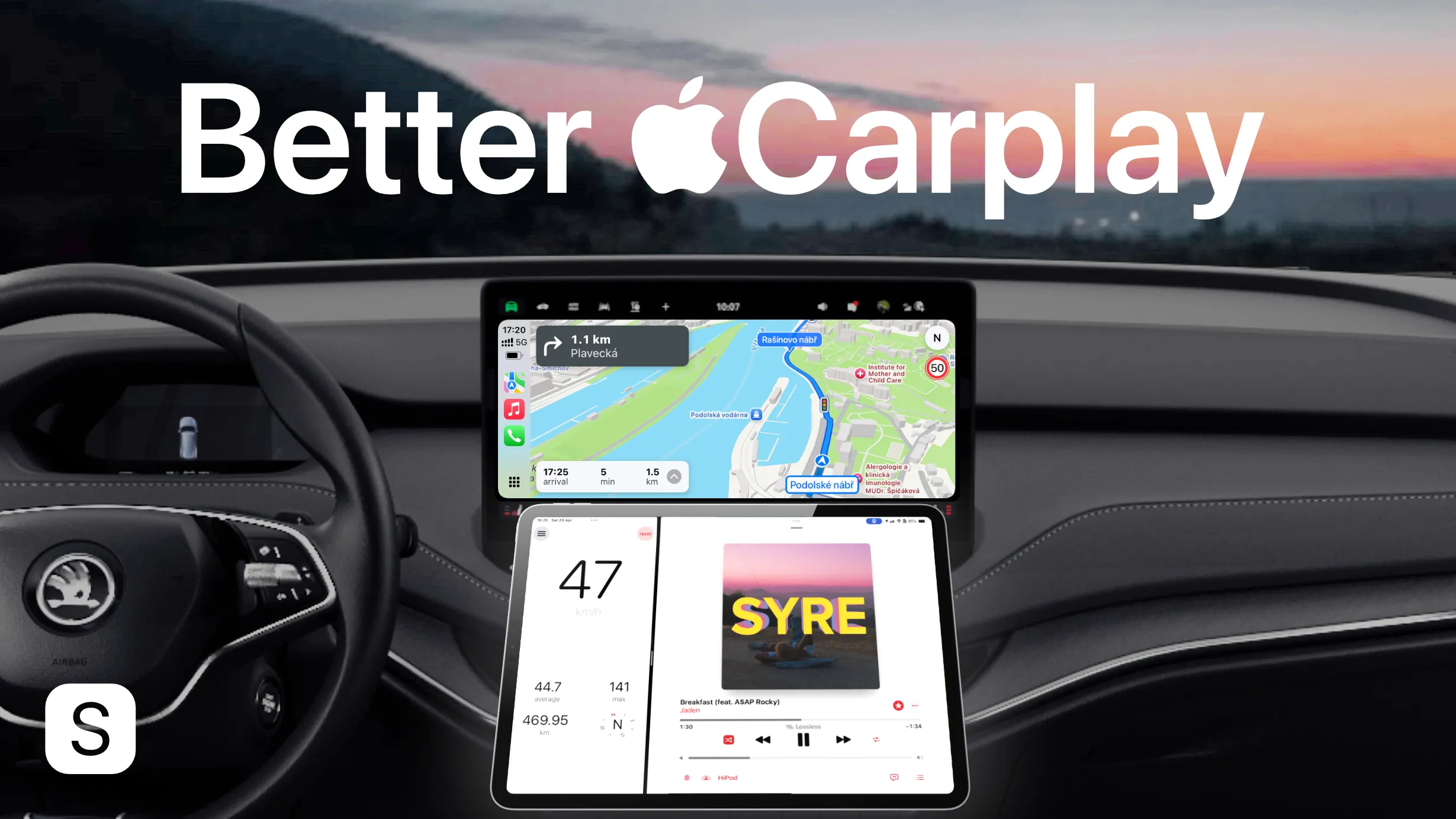
Tesla Mode (Music / Speedometer App)
HomeCar
iPadOS 18 (or sooner)
Download Carplay ON Shortcut
Download Carplay OFF Shortcut
iPadOS 26
Download Carplay ON iPadOS 26 Shortcut
Download Carplay OFF iPadOS 26 Shortcut

Enjoy your new car experience. You can thank me by a Follow or Subscribe on Youtube and Instagram.